

Next.js Installation & Setup with Node.js
May 25, 2023

Admin
Next.js is a popular JavaScript framework built on top of Node.js for creating powerful and efficient web applications. In this guide, we will walk you through the steps to install and set up Next.js with Node.js on your computer. Whether you're a beginner or an experienced developer, this guide will help you get started with Next.js and unleash its capabilities.
In this article, we will install and configure a Next.js project, including:
- Adding SASS / SCSS support
- Setting up Eslint and Prettier
- Setting up Eslint to run automatically before every commit (via a Git hook)
- Setting up Semantic Commits (via a Git hook)
Any of the above items are optional and can be skipped during the process. For example, if you are not familiar with Semantic Commits or do not plan to use it, you can skip that part and move on to another.
You may want to bookmark this article and use it as a reference when creating your projects. I will try to keep it up to date, and when I discover a new useful feature, I will include it here.
Let's get started.
1. Install Node.js and NPM
We need Node.js 12.22.0 or later in order to install and use Next.js.
To see if you already have Node.js and NPM installed on your machine, run the following commands:
node -v
npm -v
You should see the installed version printed for each command.
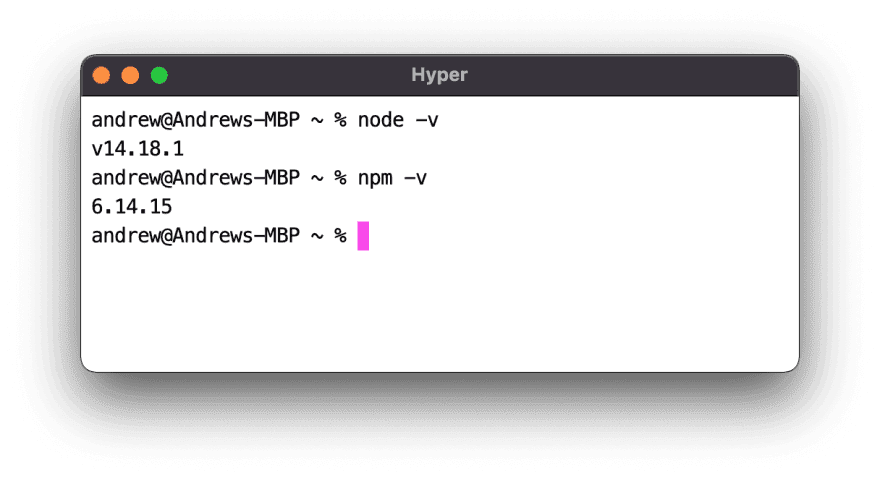
If you do not have this output and instead see "command not found" or a similar error, download and install Node.js from the official website: https://nodejs.org/en/download/
2. Install Next.js
Open your terminal, navigate to the folder where you want to create a new project and run the following command:
npx create-next-app@latest
During installation, you will be prompted to name the project, enter the most appropriate name, and press Enter.
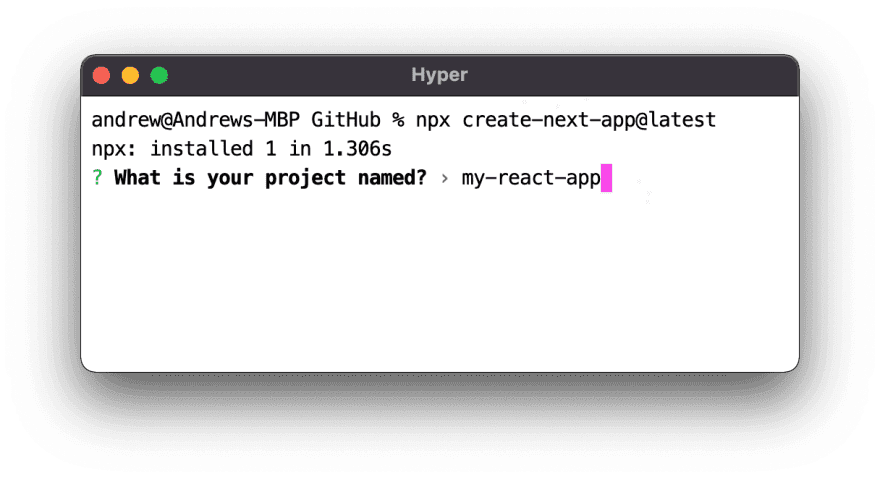
Congratulations! You have installed Next.js project.
You can stop here and work with your application already by running the following command in the directory we just created (you named it during the installation).
npm run dev